Your Guide to NiftyFifty
How It Works
NiftyFifty is a quilting community built around fabric swaps, creative projects, and the people who make them. Here's everything you need to know.
Practice tours walk you click-by-click through swaps, bees, and quilt-alongs on example data — nothing is real or saved.
New here? Start in 3 steps
Create your account
Sign up free in 30 seconds. Add a photo and bio to earn your first pin.
Find a swap or bee
Browse open swaps and join one that fits your style. Read the guidelines and apply.
Make your blocks & ship
Sew your blocks, mail them by the deadline, and start receiving beautiful blocks from across the country.
Getting Started
Creating an account is free. Once you sign in, fill out your profile — add a photo, your location, your skill level, and a short bio. This helps other quilters know who they're swapping with, and a complete profile earns you your first pin.
- Your public profile lives at /members/yourhandle
- All swap activity, guilds, and projects are tied to your account
- You can join swaps as a participant or, once established, apply to host your own
- Press Cmd+K (Mac) or Ctrl+K (Windows) anywhere to quickly search the site
Quilt Swaps
A quilt swap is a group project where every participant sews a set of identical blocks and mails them all to the hostess. The hostess sorts the blocks and mails each participant a complete set of unique blocks from every maker in the group. The result: a diverse collection of blocks with dozens of different fabrics and interpretations of the same design.
How a swap works, step by step
- 1Find an open swap — Browse the swaps page and read the guidelines. Each swap specifies block size, theme, color palette, and shipping deadline.
- 2Apply to join — Click Join and fill out the short application. The host reviews and approves members — usually within a few days.
- 3Sew your blocks — Make your blocks following the swap guidelines exactly. In a NiftyFifty swap, that's 50 identical blocks plus a sample for the charity quilt.
- 4Ship to the hostess — Mail all your blocks to the hostess by the deadline. She sorts all the blocks into complete sets. Ship on time — it matters.
- 5Receive your set — The hostess mails you a complete set of unique blocks — one from every state. Now you have a full, diverse collection to sew into a quilt.
NiftyFifty Swap
One quilter per U.S. state. 50 blocks. Strict quality standards. The original format NiftyFifty was built around — premium blocks, serious quilters.
Community Swap
Flexible size and theme. Host sets the rules. Great for smaller groups, themed swaps, or trying swapping for the first time.
Quilting Bees
A quilting bee is a small, intimate group (usually 6–12 quilters) that works together over multiple rounds. Each round, one member is the "queen bee" — they choose a block design and color palette, and everyone else makes that block and mails it to them.
Over the full course of the bee, every member has a turn as queen. By the end, you'll have given blocks to every other member and received a full set of custom blocks for yourself — all made to your exact specifications.
What makes a bee different from a swap
- Smaller group — you get to know each member well
- Every round is different — each queen chooses their own design
- You get blocks made specifically for you, to your taste
- Longer commitment — bees run for months
- Great for building close friendships within the quilting community
Quilt-Alongs (QALs)
A quilt-along is a guided group project. The host publishes steps on a regular schedule — maybe one per week — and everyone follows along at home and checks them off as they go.
There's no mailing involved. You work on your own quilt, in your own home, with your own fabric. The community aspect comes from shared progress, encouragement, and seeing everyone's interpretation of the same design.
Good for you if…
- — You want structure and accountability to actually finish a project
- — You like working at your own pace but with a group cheering you on
- — You're trying a new technique and want step-by-step guidance
- — You're not ready to commit to a full swap yet
Which is right for me?
| Swap | Bee | Quilt-Along | |
|---|---|---|---|
| Group size | 20–50 quilters | 6–12 quilters | Any |
| Mailing required? | Yes | Yes | No |
| What you make | One block design, many copies | Different design each round | Your own quilt, step by step |
| What you receive | One block from each member | Full custom set when it's your turn | Nothing — it's all yours |
| Time commitment | Weeks (one-time) | Months (ongoing) | Weeks to months |
| Best for | Exploring many fabrics and styles | Getting personalized blocks + deep friendships | Accountability and learning new techniques |
Not sure? Start with a community swap — smaller commitment, flexible rules, and a great way to meet other quilters before jumping into a NiftyFifty.
Block Library
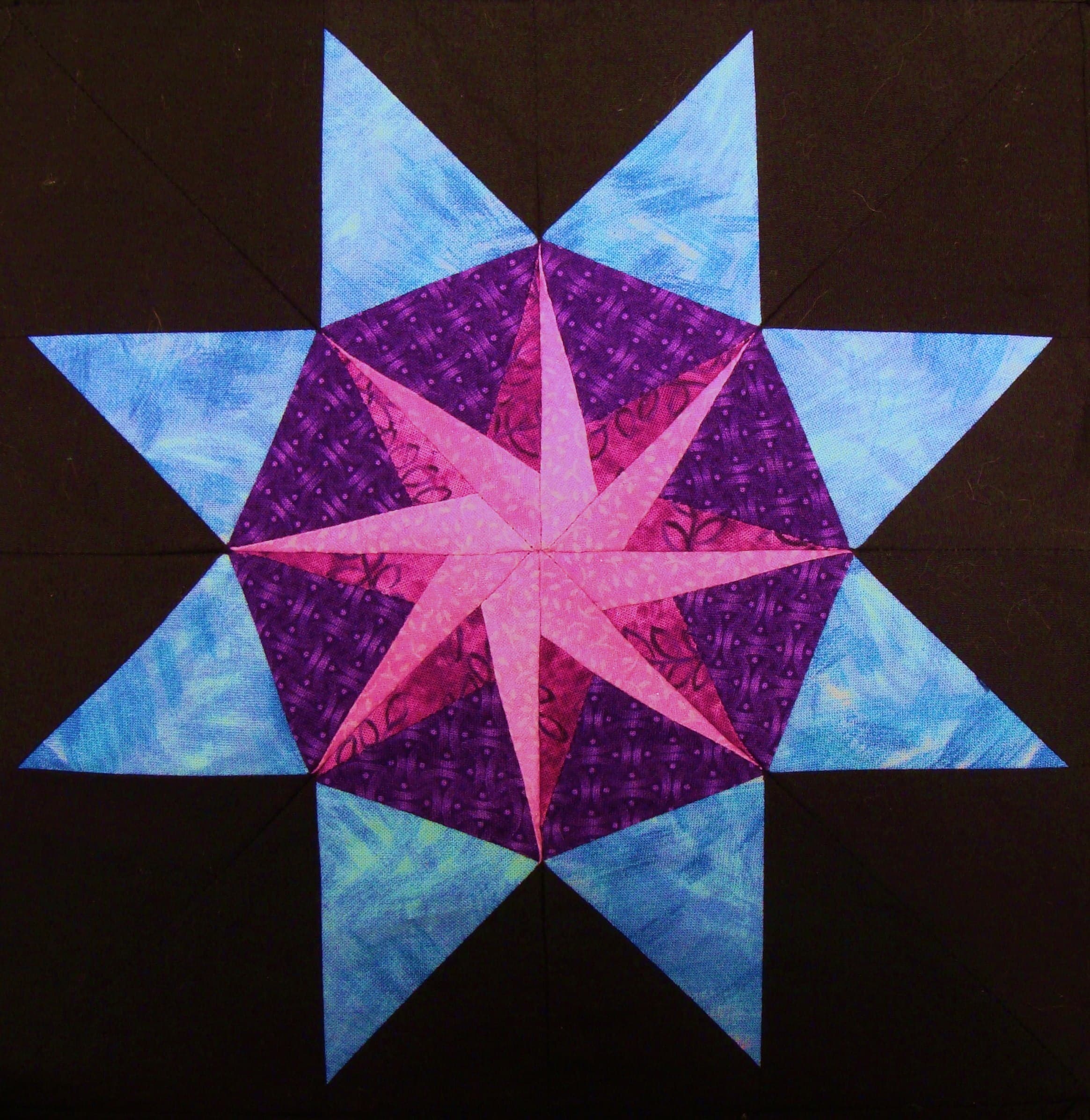
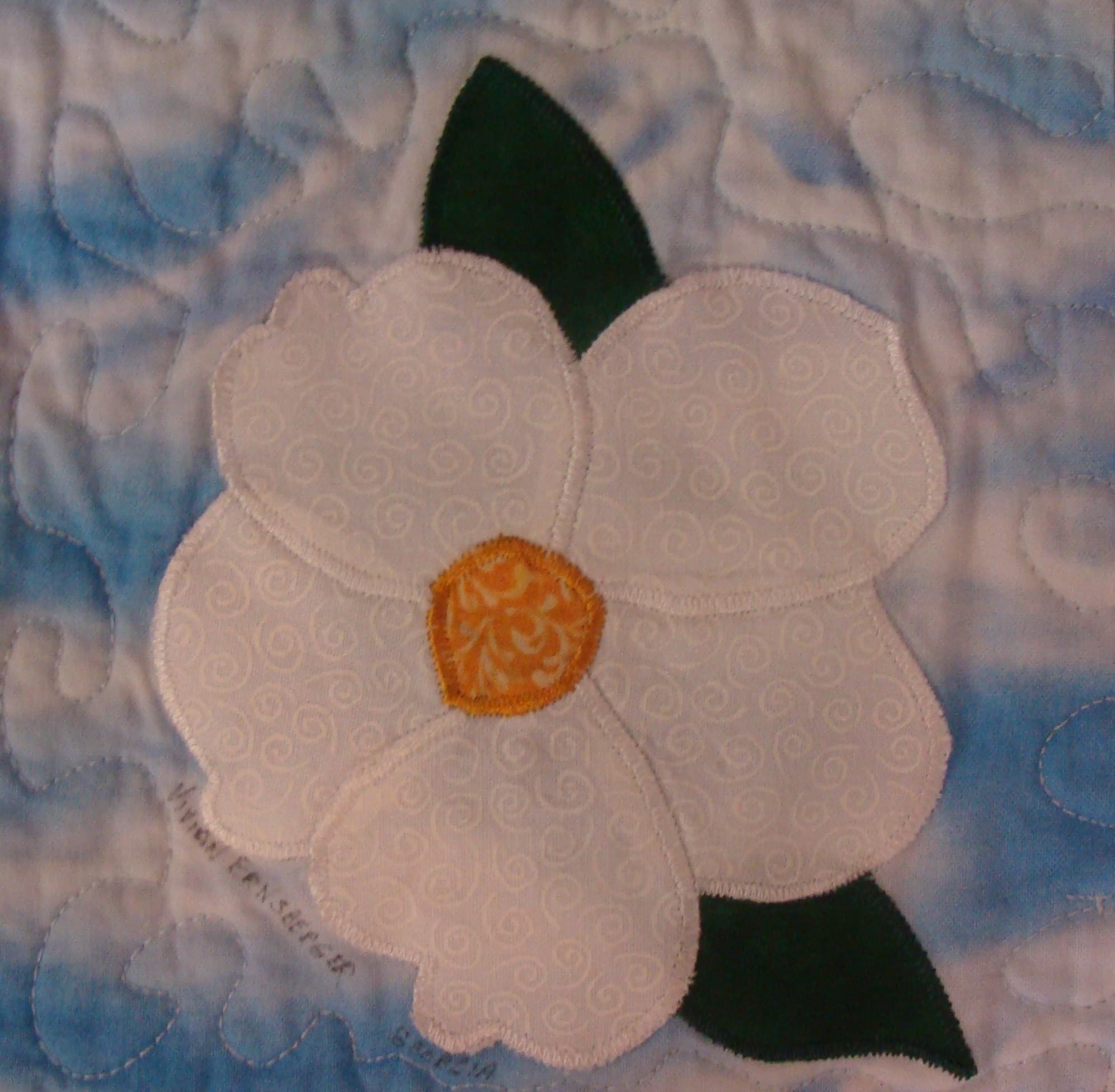
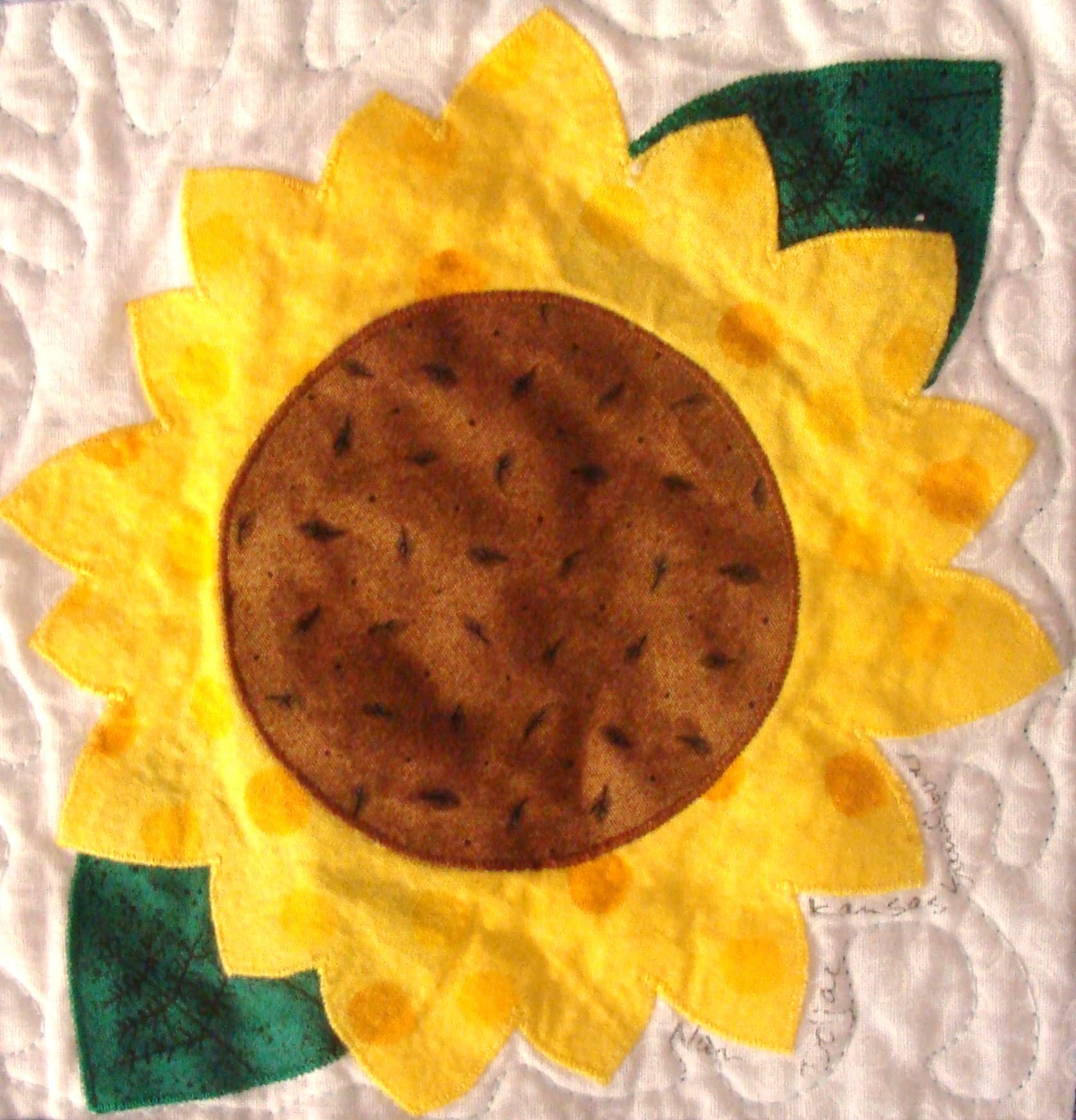
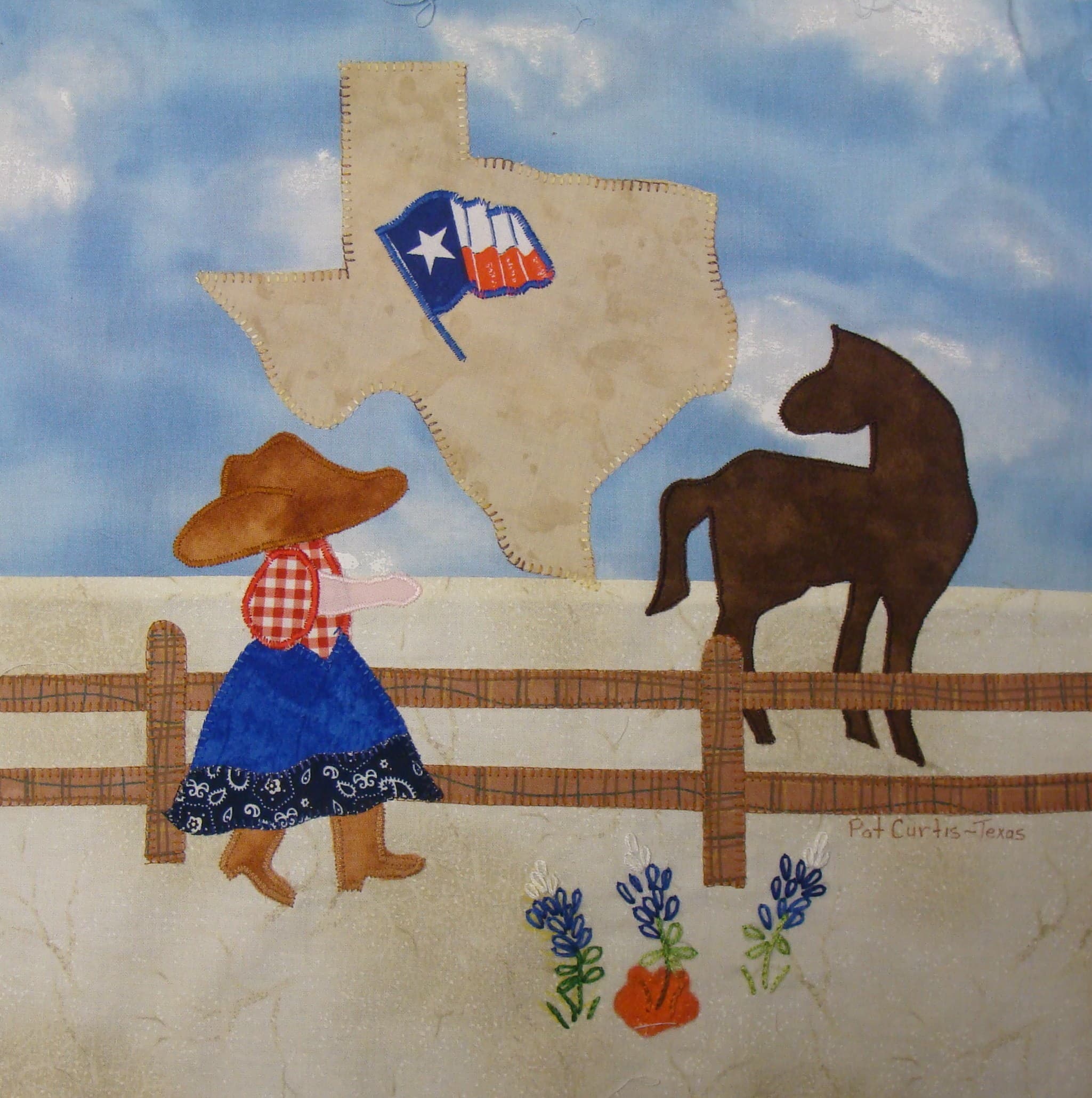
The block library holds over 1,400 real quilt blocks from 30+ historical NiftyFifty swaps. Browse by state, theme, or swap — and favorite the ones you love for inspiration.
- Search and filter by color, technique, state, and swap
- Favorite blocks to save them to your profile
- Vote on your favorites — top-voted blocks surface in search
- Upload your own blocks to share with the community
- Leave comments and tell the story behind your block
Design Tools
Free, browser-based tools — nothing to install.
Pattern Designer →
Hands-on grid editor for designing blocks from scratch. Click cells, pick colors, export your design.
Quilt Designer →
Drag blocks onto a full layout grid, add sashing and borders, and export a cut list.
Fabric Calculator →
Enter your quilt dimensions and get exact yardage amounts for every fabric in your project.
Pins & Karma
Karma
Karma is NiftyFifty's reputation score. You earn it by contributing — uploading blocks, joining swaps, shipping on time, posting in guilds, and helping the community. Your karma level displays on your profile and unlocks higher community standing over time. Levels range from "New Quilter" to "Living Legend."
Pins
Pins are achievement badges you earn automatically when you hit milestones. They display on your profile and can't be bought or traded — only earned.
Complete Profile
Fill out your full profile
First Stitch
Complete your first swap
Busy Bee
Ship all your bee blocks
Mystery Solver
Finish a mystery QAL
Speed Quilter
Submit blocks ahead of deadline
First Finish
Complete your first project
There are 40+ pins to collect. Some are common, some are rare.
Guilds & The Porch
Guilds are topic-based or location-based groups. Inside a guild you can talk with members on the guild's own discussion board, plan sew-nights, and read announcements from the people running it. Anyone can join a guild — some are open, others require approval.
For everything else there's The Porch— one place, open to every member, for questions, works in progress, and good conversation. Ask anything; someone who has been there will answer, and you'll hear about it when they do.
Show & Tell
Finished a quilt? Share it. Show & Tell is the one photo feed: finished quilts, blocks, works in progress, fabric hauls, and rescued UFOs (unfinished objects). Other members can react, comment, and cheer you on.
No block quota, no requirements. If you made it, it belongs here.
Projects & Fabric Stash
Project Tracker
Log every quilt you're working on — from first cut to final binding. Add photos, write updates, and mark it complete when you're done. Finishing a project earns karma and can unlock pins.
Fabric Stash
Your personal fabric inventory. Log fabrics by color, brand, and yardage so you always know what you have — before you go buy more.
Still have questions?
Tip: press ⌘K (Mac) or Ctrl+K (Windows) anywhere on the site to open quick search.
Friends, Followers & Messages
Following
One-way. Follow someone to stay updated on their blocks and activity. They don't need to follow you back.
Friends
Two-way. Send a request — if they accept, you're connected. Friends can send each other direct messages.
Blocking
Quiet and private. Blocking removes all connections and prevents contact. The blocked person isn't notified.
Direct messages support text and photos and are only available between accepted friends. Your messaging preference (Anyone / Friends only / No one) is set in your profile settings.